Which school bus stop applies? Indian River’s zoned routes and depot stops
Families using Indian River County school transportation have different steps for zoned schools and choice or charter schools. Here’s where bus tracking fits.
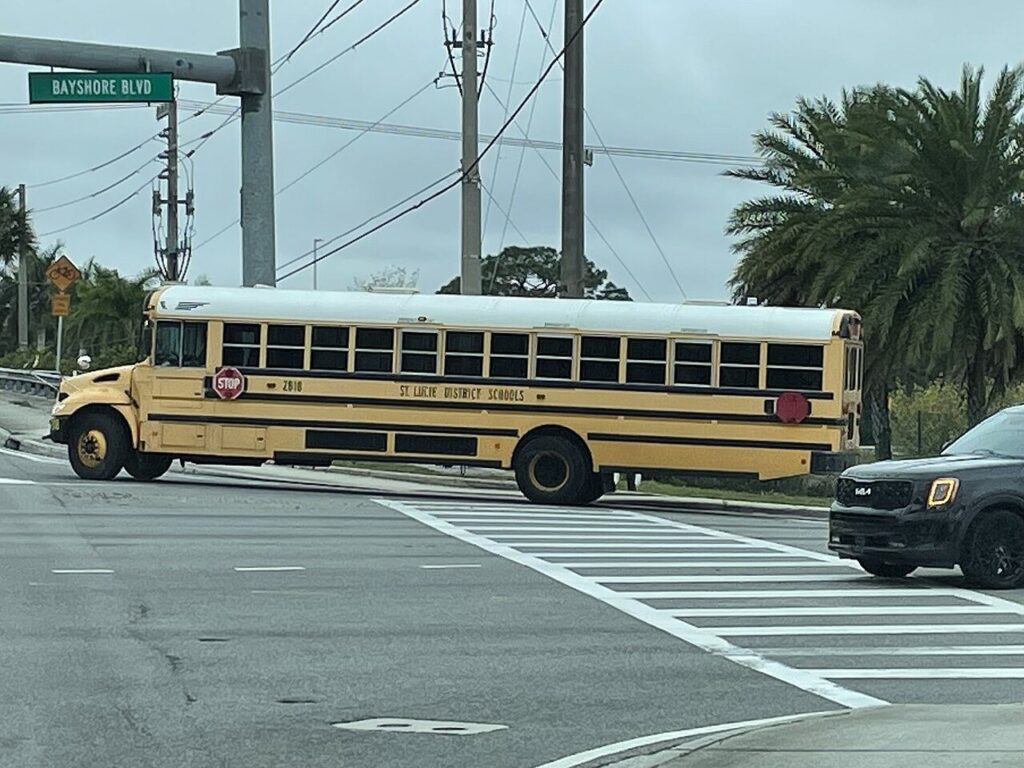
A family new to Indian River County can look up a school, enroll a student and still have a separate transportation question to resolve. The address used to find a zoned school will not necessarily produce a neighborhood stop for a student attending another school through choice or a charter program. The district makes that distinction explicit. A route lookup, a depot assignment and a moving bus icon are three pieces of information that come from different steps in the process.
The School District of Indian River County’s transportation page directs families attending their zoned school toward its route finder. It explains that choice and charter students receive transportation through designated depot stops. Families are responsible for getting students to and from the assigned depot. The district describes those locations as outside walking distance of the students’ homes. For a household arranging a work commute around school drop-off, that detail can change the whole morning plan.
Establish the school and address first
Check the student’s school of attendance and the district’s current address record before interpreting a search result. A house move, a change of school or an old address retained in a family account can make a physically plausible route the wrong one. A map of buses crossing a neighborhood establishes only that buses travel there. It does not establish that a particular vehicle carries students to the school your child attends. For a newly arriving student, the district’s enrollment page is a separate starting point.
It helps to write the morning and afternoon journeys on separate lines. A family might use a household address on the way to school and a different arrangement after dismissal. Do not assume that an informal after-school plan also changes the district’s bus assignment. Ask the school or routing staff about the approved arrangement for that student. If a family member will handle the depot pickup, make sure they understand which part of the trip is the family’s responsibility and which part is the district’s.
For a zoned school, use the current route finder and match the school as well as the address. For choice or charter transportation, the district directs families seeking an assigned depot to Routing or Dispatch at 772-978-8801. Follow the current recorded menu. Older district pages can show a different menu option even when the main telephone number matches. A specific question about the assigned depot will be more useful than asking whether any school bus happens to pass a nearer corner.
Why a published route and a tracker can disagree
The district provides BusPlanner tools and promotes the Chipmunk bus tracking app. In its notice to families, the district describes live bus locations, transportation alerts and estimated arrivals. That is information about a journey as it unfolds. The assignment tells the family which trip is theirs. Seeing a different bus nearby on a phone does not replace the assignment, and a marker moving toward the neighborhood does not authorize a student to switch stops.
When the estimate and the schedule are different, identify what question you are trying to answer. To learn whether a vehicle is running late this morning, the live update and district alert are useful. To learn where a student is assigned to meet the bus tomorrow, use the official routing information. For a change to the student’s service, ask the responsible school or transportation office. An estimate alone cannot tell whether the district has permanently changed a route or is working around a one-day disruption.
The district tells families to select the School District of Indian River County in the Chipmunk app and use the credentials they created for the BusPlanner portal. Keep account setup separate from the routing question. A login problem is not evidence that a student has lost transportation, and a working login does not establish that an address change has been recorded. Before calling, note which service you can open, which screen displays the issue and whether you received a district notice. Keep the student’s identifying information out of public posts.
A useful first-week rehearsal
Once the assignment is confirmed, work backward from the actual stop. For a depot trip, that means accounting for the travel time to the depot and the adult’s onward trip, not just the bus journey itself. Consider who will handle the return and how the family will receive an official change during the day. If several caregivers share the work, give each one the same current instructions and identify an agreed way to pass along a new district alert. One outdated screenshot can otherwise keep circulating long after a route changes.
A rehearsal also exposes a common ambiguity in casual instructions. “Meet at the school” might mean the student’s school, another school serving as a depot, or an entrance nearby. Use the full assigned location from the district and the approved pickup arrangement. A precise note for the adults involved is more helpful than putting an identifiable child’s route or live tracker screen into a neighborhood chat. If staff need more detail, give it directly through the school’s official channel.
When something changes during the year
A change of address or school is a good time to recheck the whole sequence. Confirm the district record, determine whether the student is on a zoned route or depot arrangement, check the current assignment and then verify that the tracking account corresponds to it. A family can complete one step and still have another pending. Saving the date and office contacted helps avoid asking the same staff member to solve a matter already referred to a different part of the district.
For ongoing assistance, describe the specific mismatch. “The portal shows the previous school” tells staff more than “the app is wrong.” “We have a choice placement and need our assigned depot” tells routing staff more than an address alone. Indian River’s tools are designed to answer different questions about the trip. Using each for its intended purpose gives families a dependable starting point before the first bus of the morning has even started its route.
A family reading district information in more than one language can also take advantage of the English and Spanish Chipmunk materials linked from the transportation page. Use the guide for the step that is causing trouble and keep a note of the portal involved. If another adult handles the afternoon pickup, share the official instructions about alerts with that adult through the family’s own arrangements. A late-bus notification helps only when the person waiting at the assigned location knows it arrived.